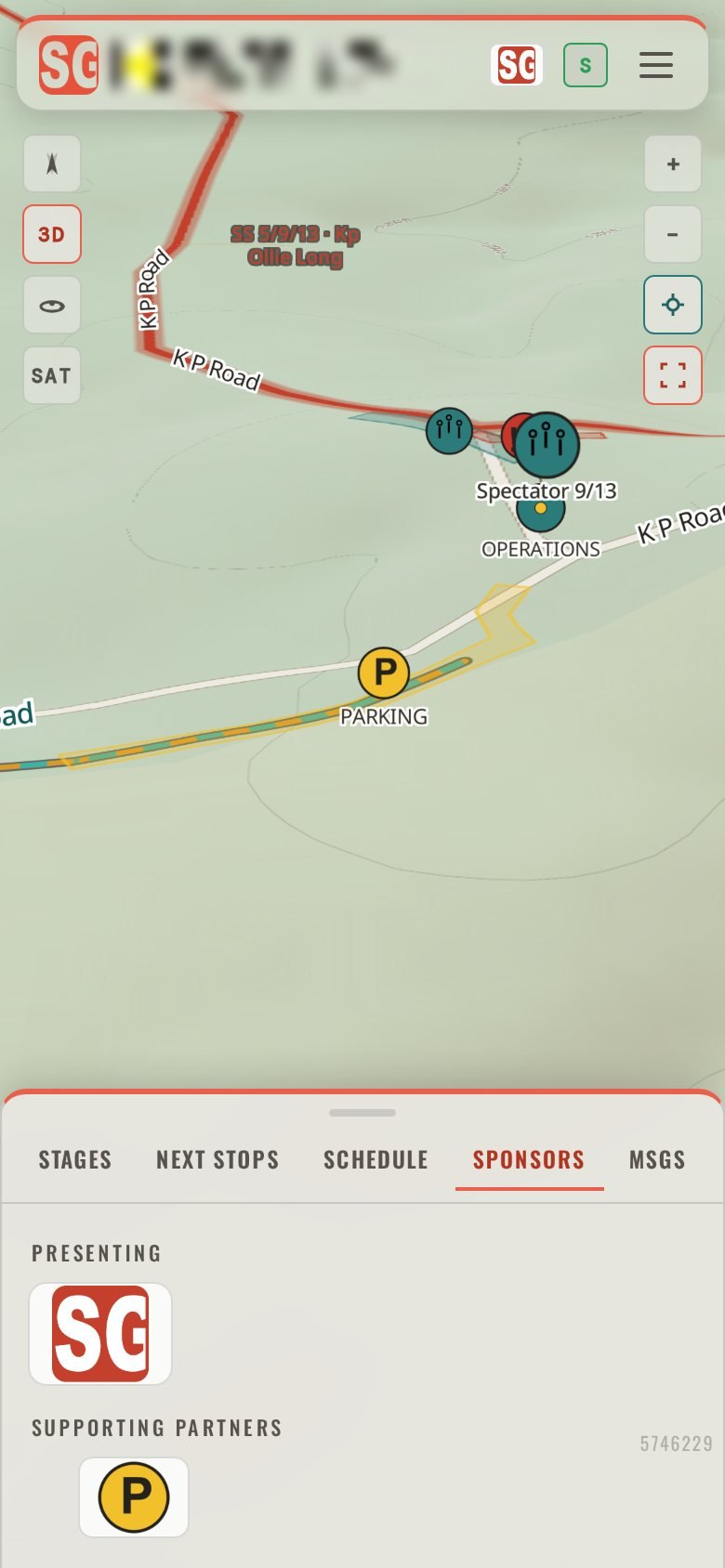
ONE MOBILE EVENT FIELD GUIDE FOR SPECTATORS AT STAGE RALLY AND GRAVEL RACING.
Stage Guides works offline, giving spectators turn-by-turn navigation, maps and schedules for an action-packed weekend of race spectating.
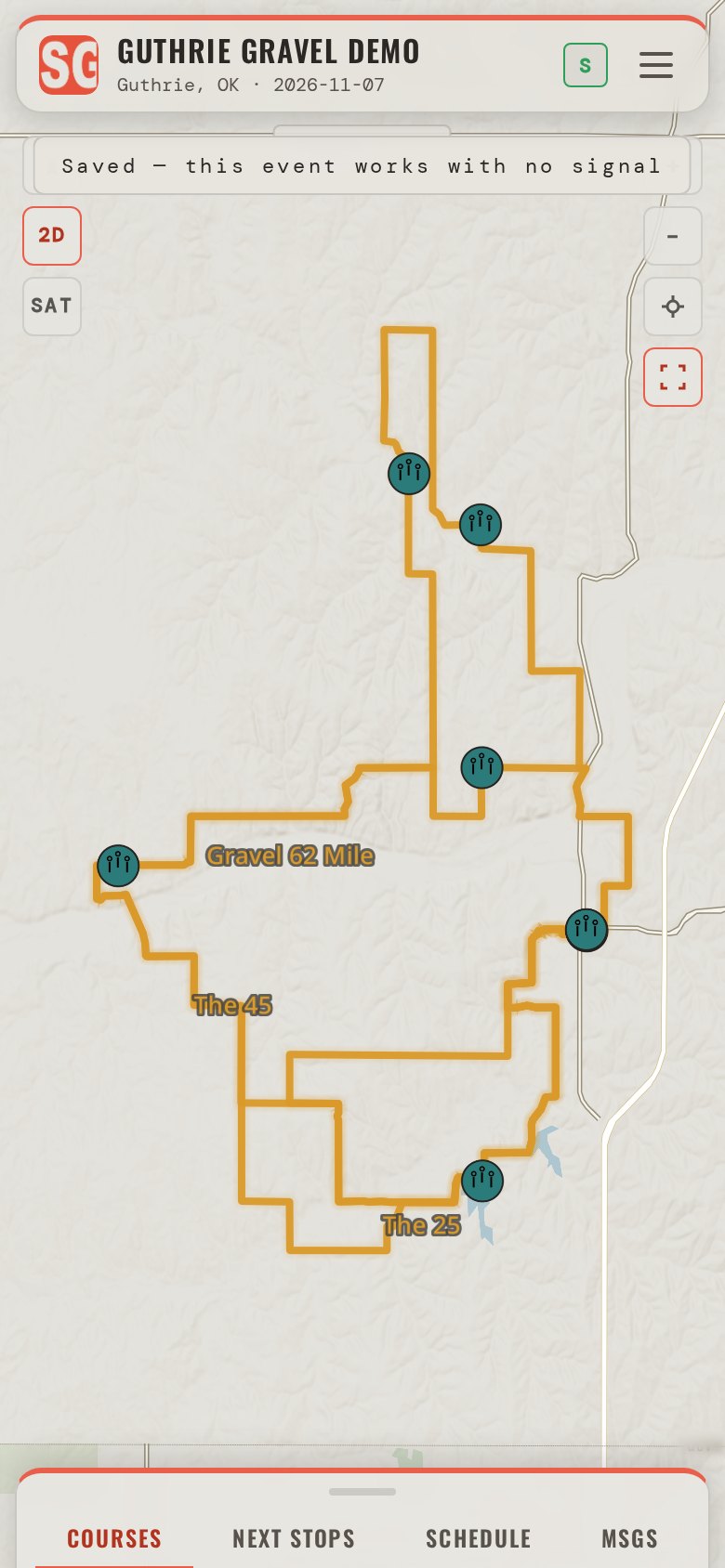
Event information is scattered. Stage Guides brings it together.
A PDF here, a map image there, the schedule in a spreadsheet, the road closure in this morning's post. Spectators carry all of it and still ask a marshal where to park. Stage Guides puts the same information in one mobile event field guide, opened from a link or a QR code and added to the home screen like an app.
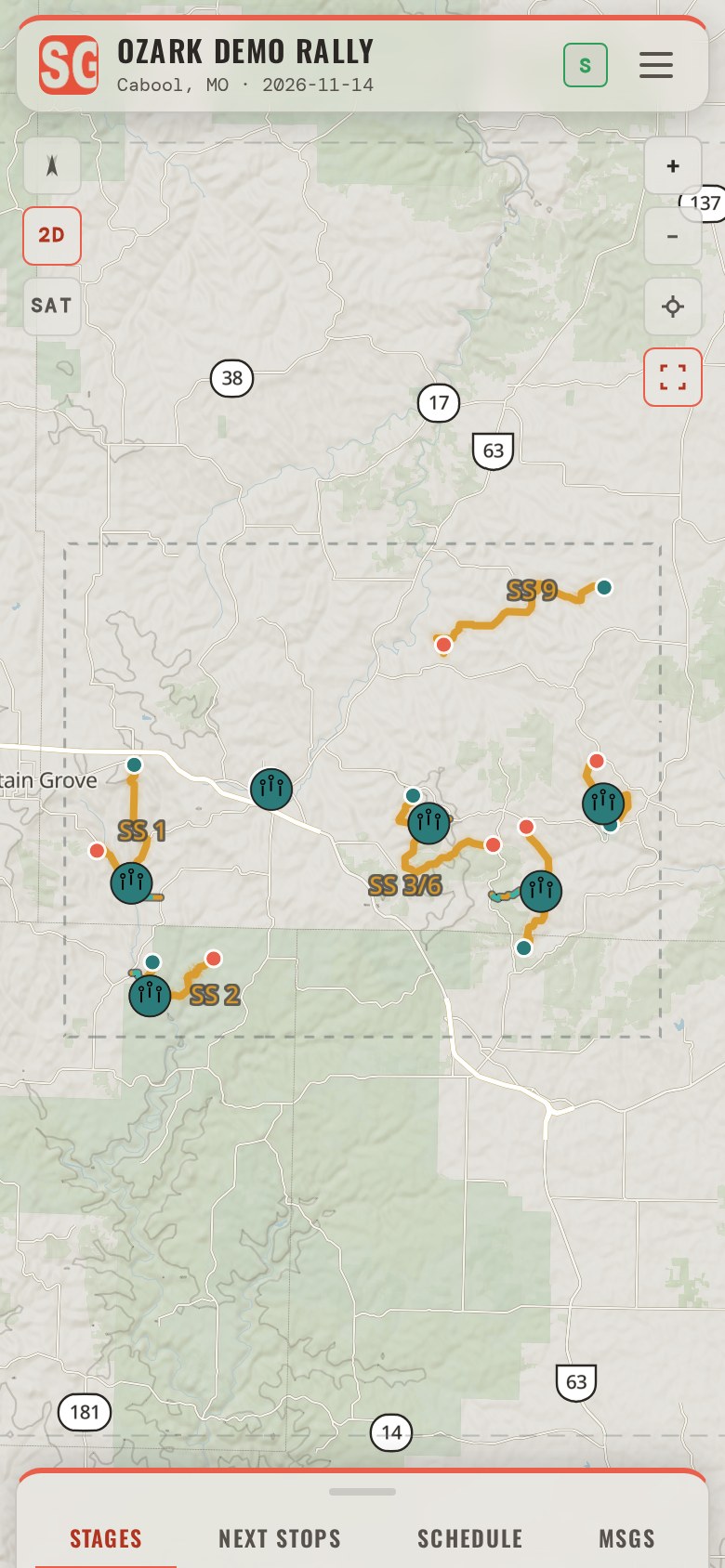
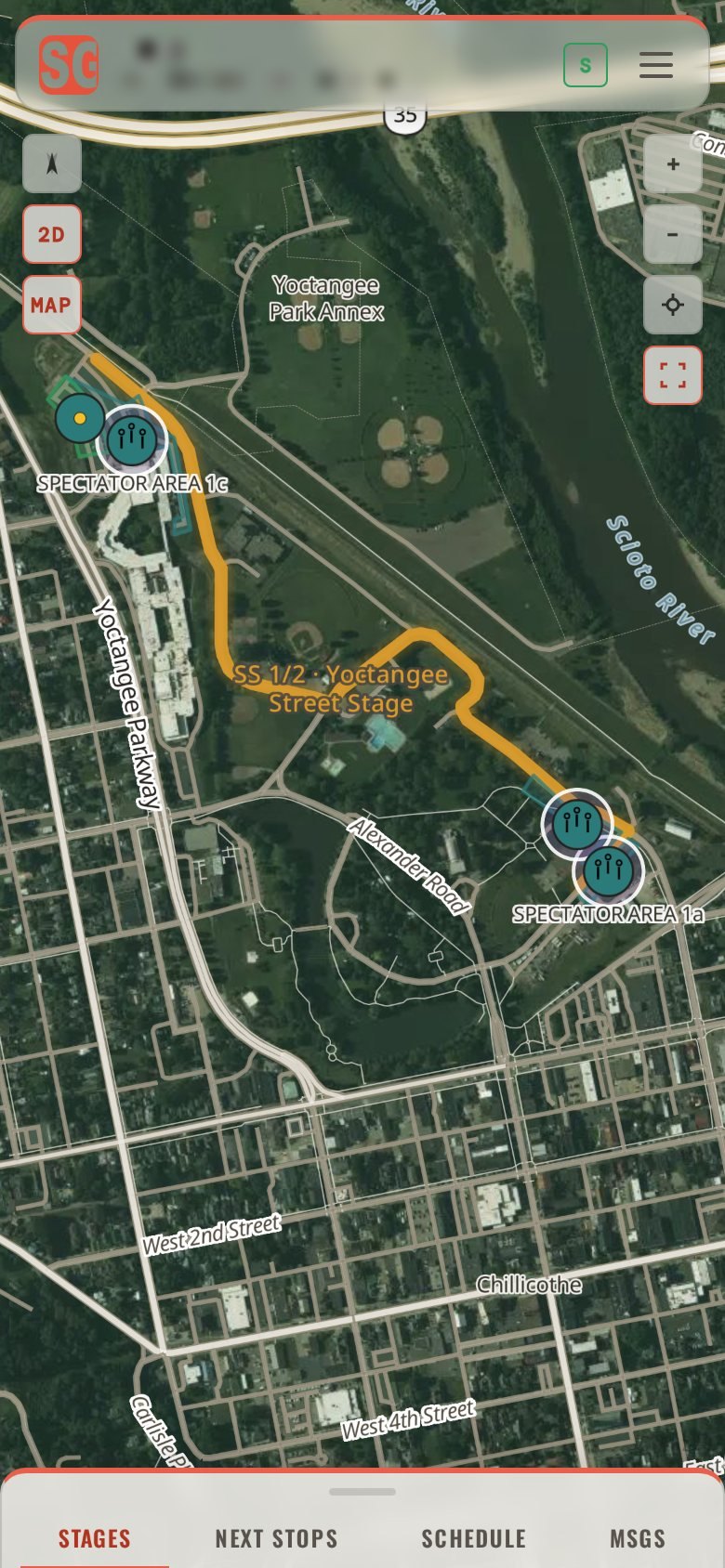
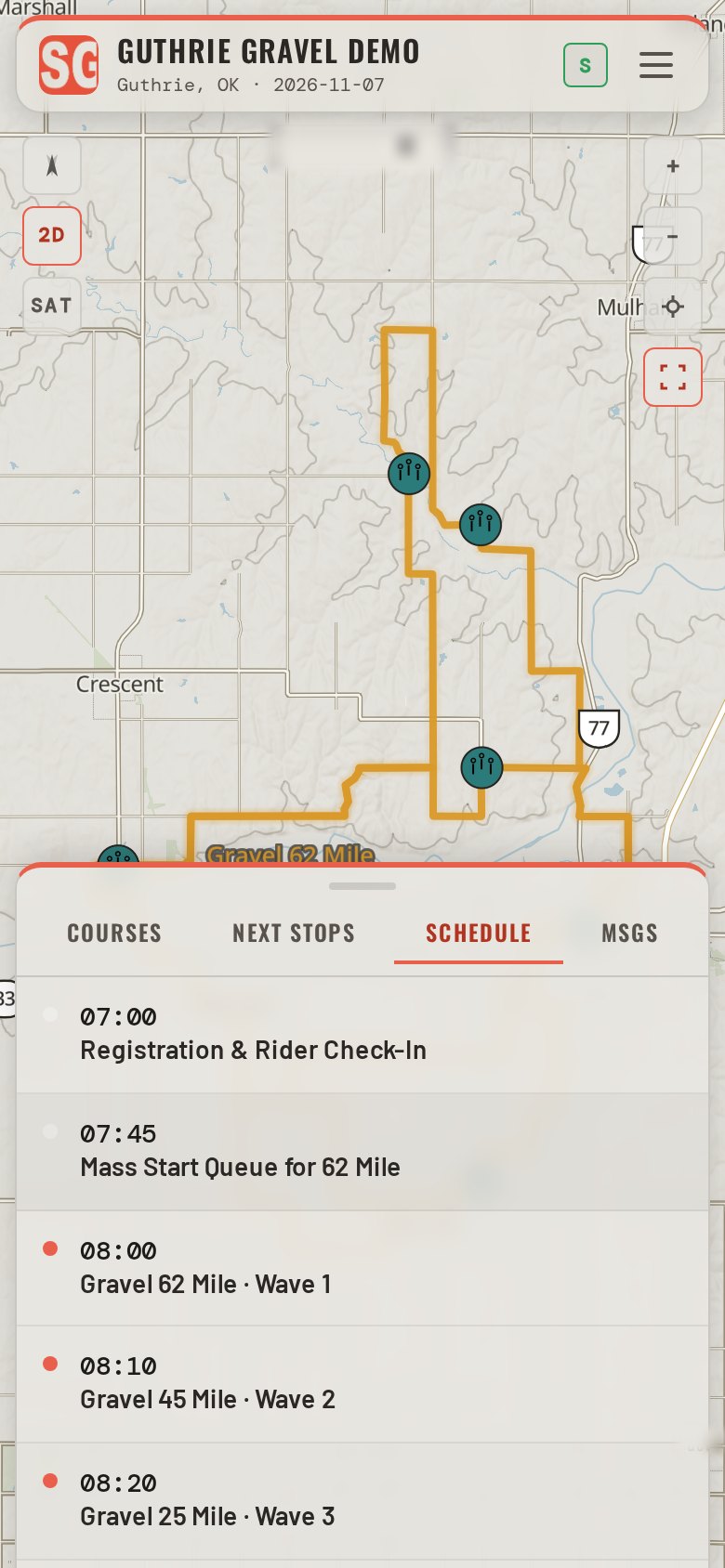
Map or satellite, on the terrain.
Every spectator area, parking lot and course sits on the ground it is really on. Tilt the map and the hills stand up; switch to satellite and the field, the tree line and the gate are the ones the spectator will see from the car. Slide the handle to compare.
The map is saved to the phone. Satellite imagery and the 3D view need a connection.
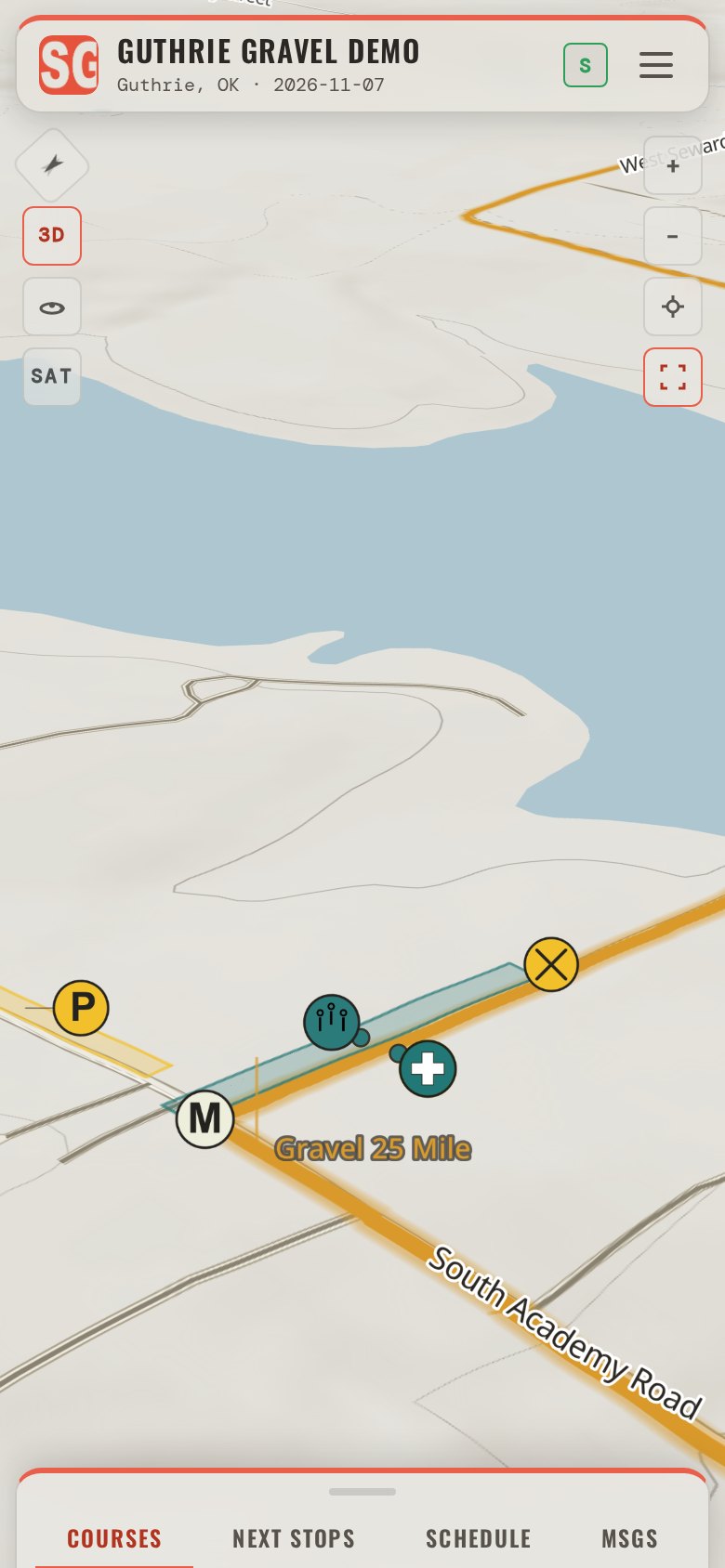
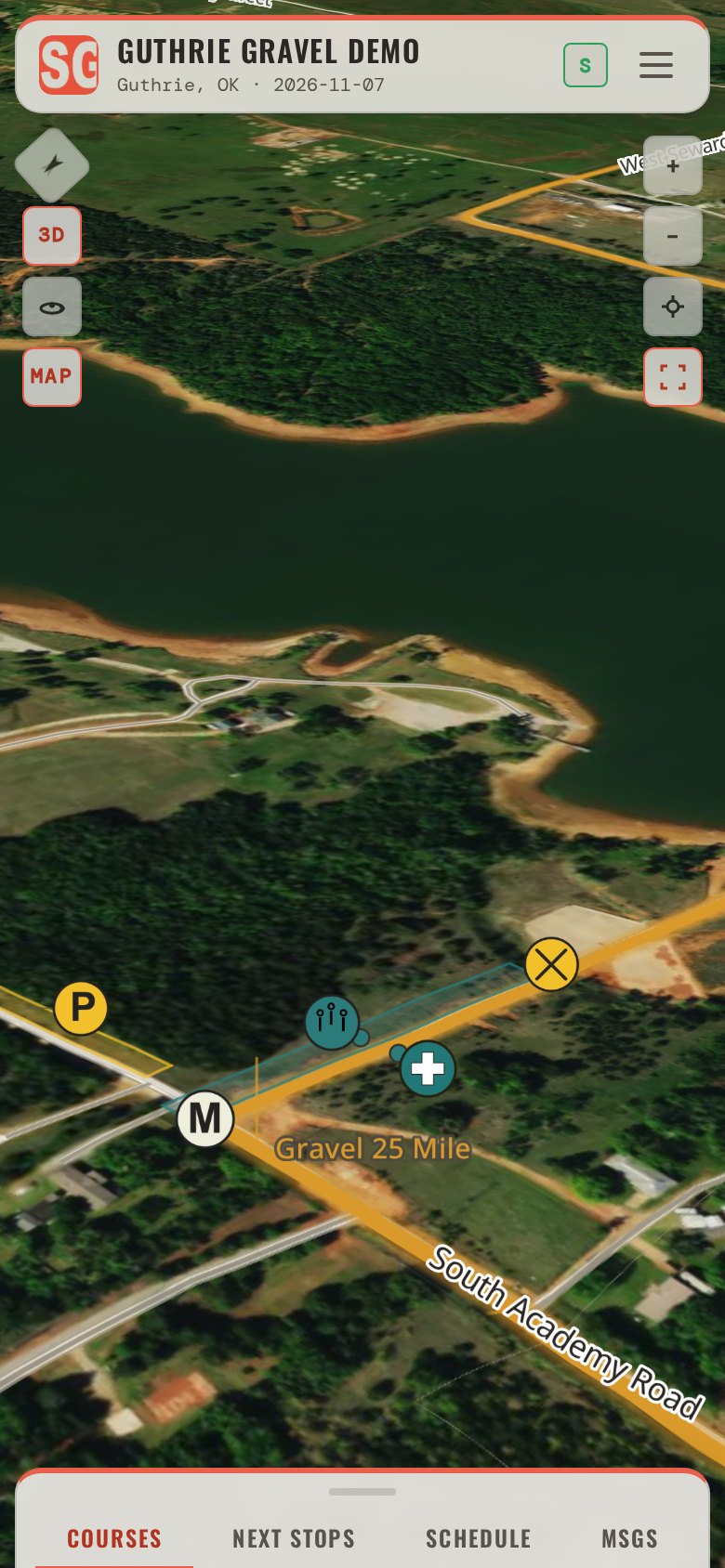
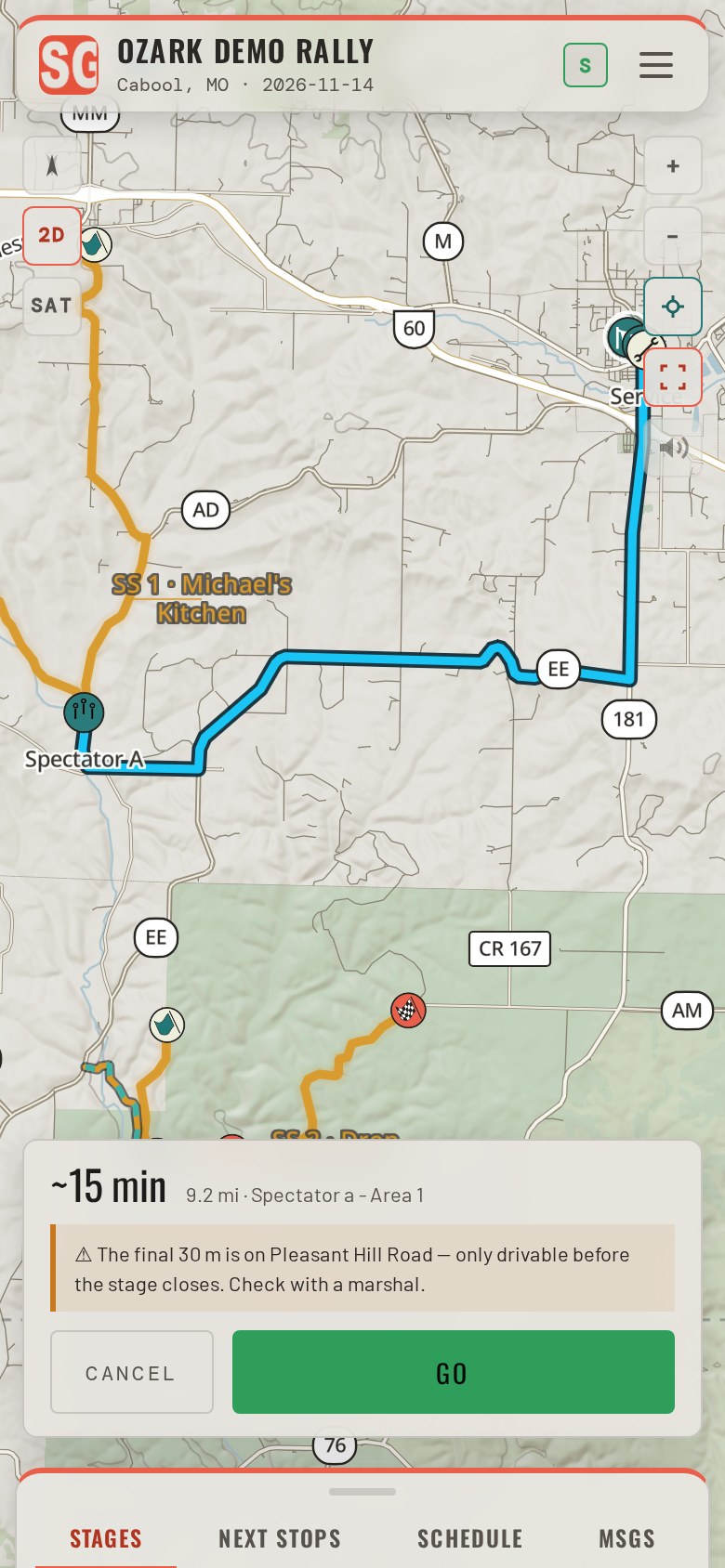
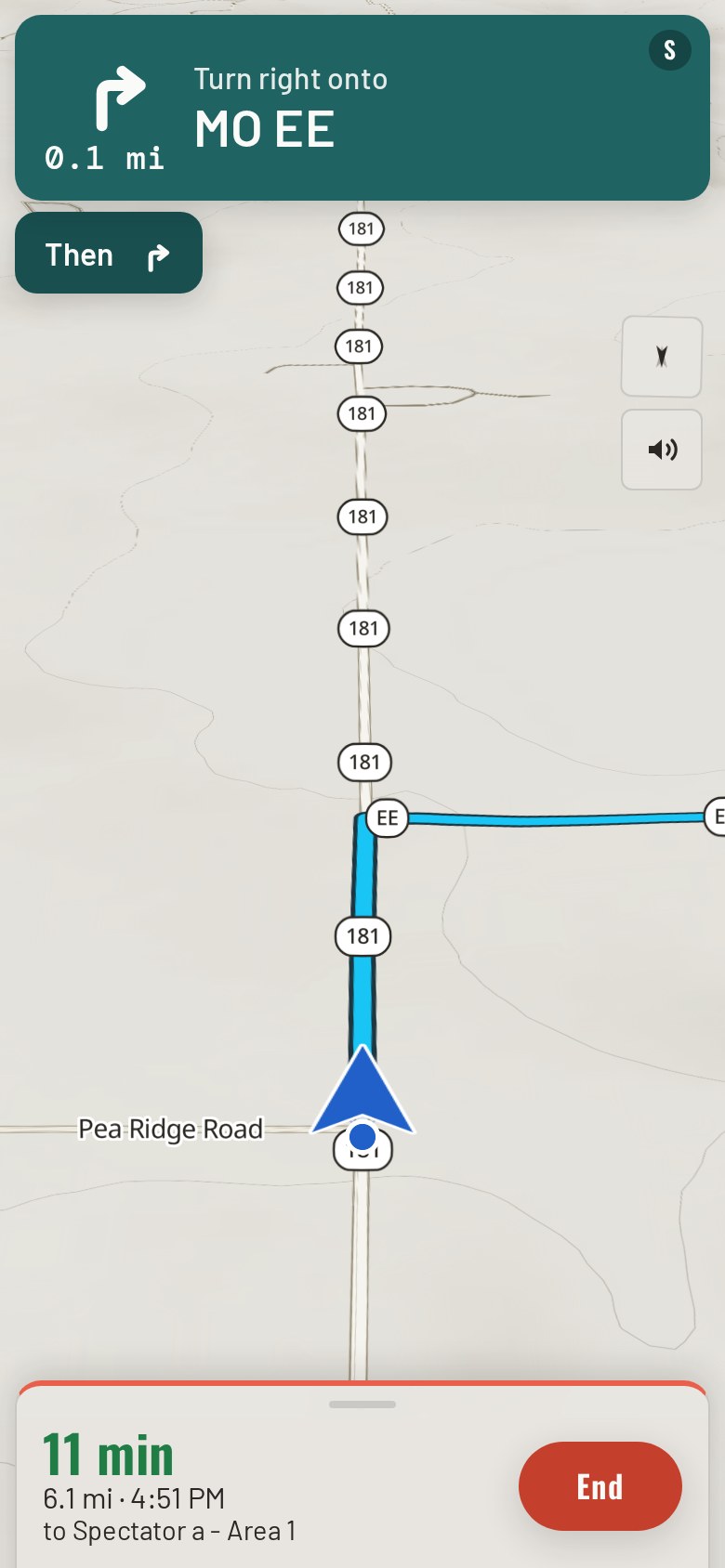
Turn-by-turn directions to every spectator location, around the roads your event closes.
The Stage Guides navigation engine gives turn-by-turn directions from anywhere inside the event weekend's cached service area, actively avoiding closed stage and course roads where other navigation apps would send a spectator straight down or across a competition route.
Know a better way? The engine follows the routes the organizer draws, private roads included, and crosses the course only at the organizer's designated crossings.
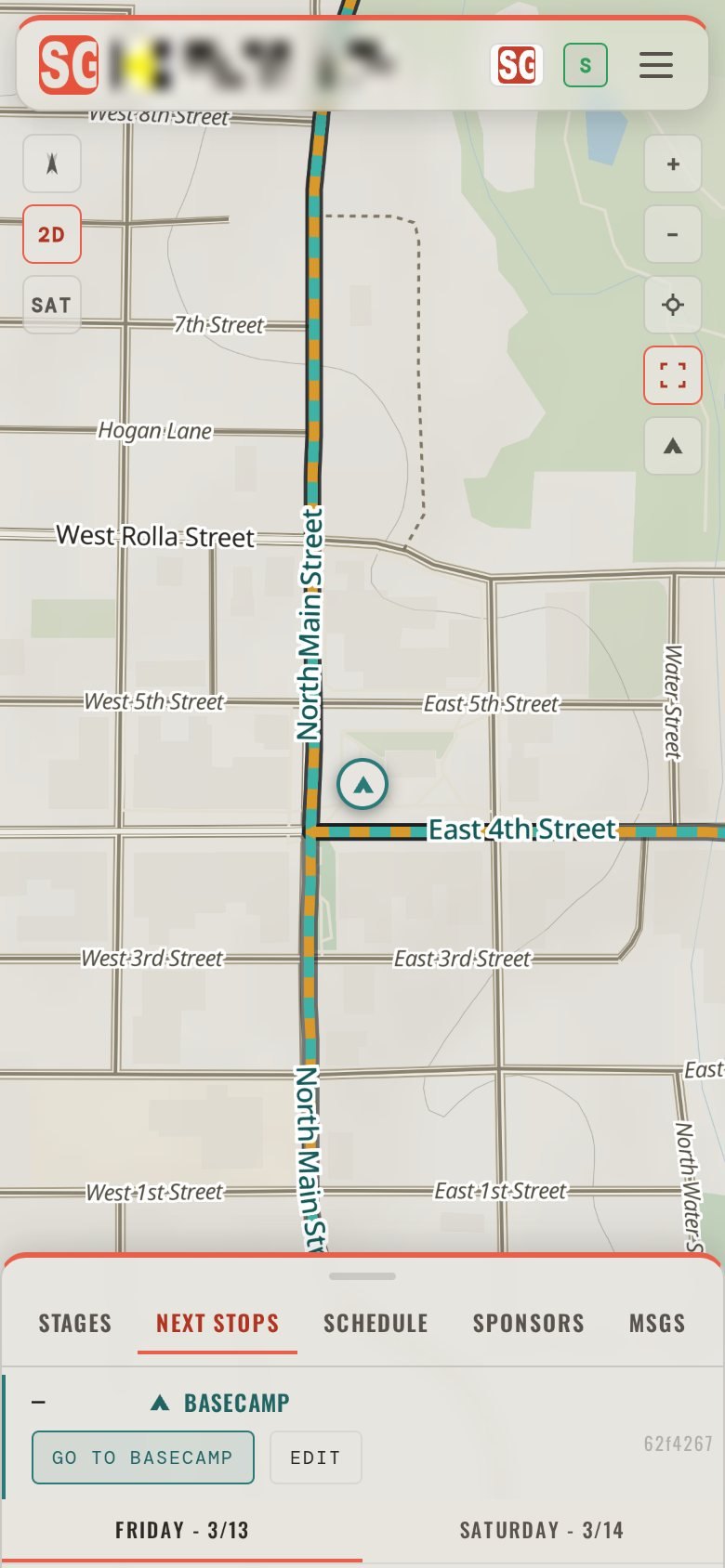
Save where you are staying. Stage Guides takes you back.
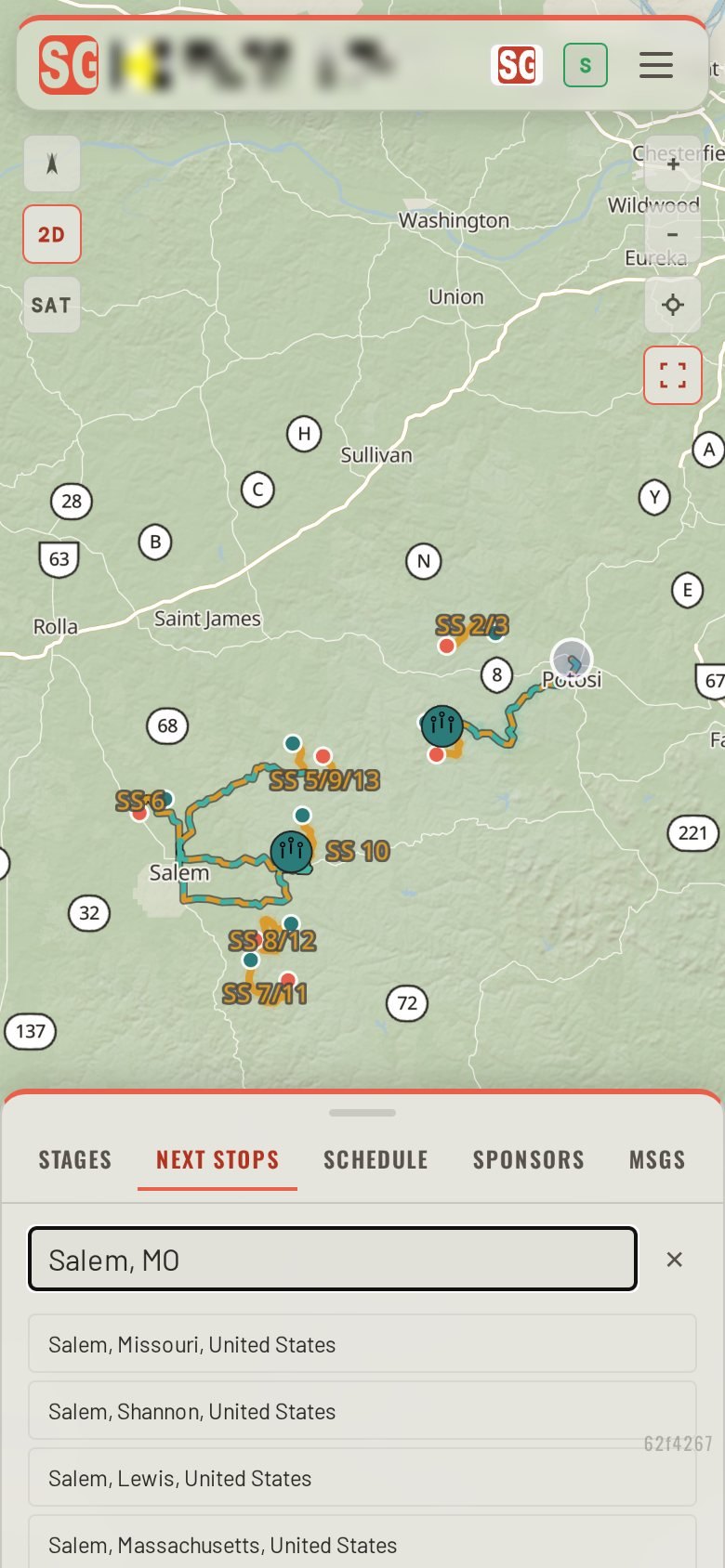
From anywhere inside the event's cached area, GO TO BASECAMP routes a spectator back to the one place they saved for the weekend: the motel, the campsite or the parked car, dropped as a pin or found by address. It stays on their phone, with the drive time shown beside the next stops.
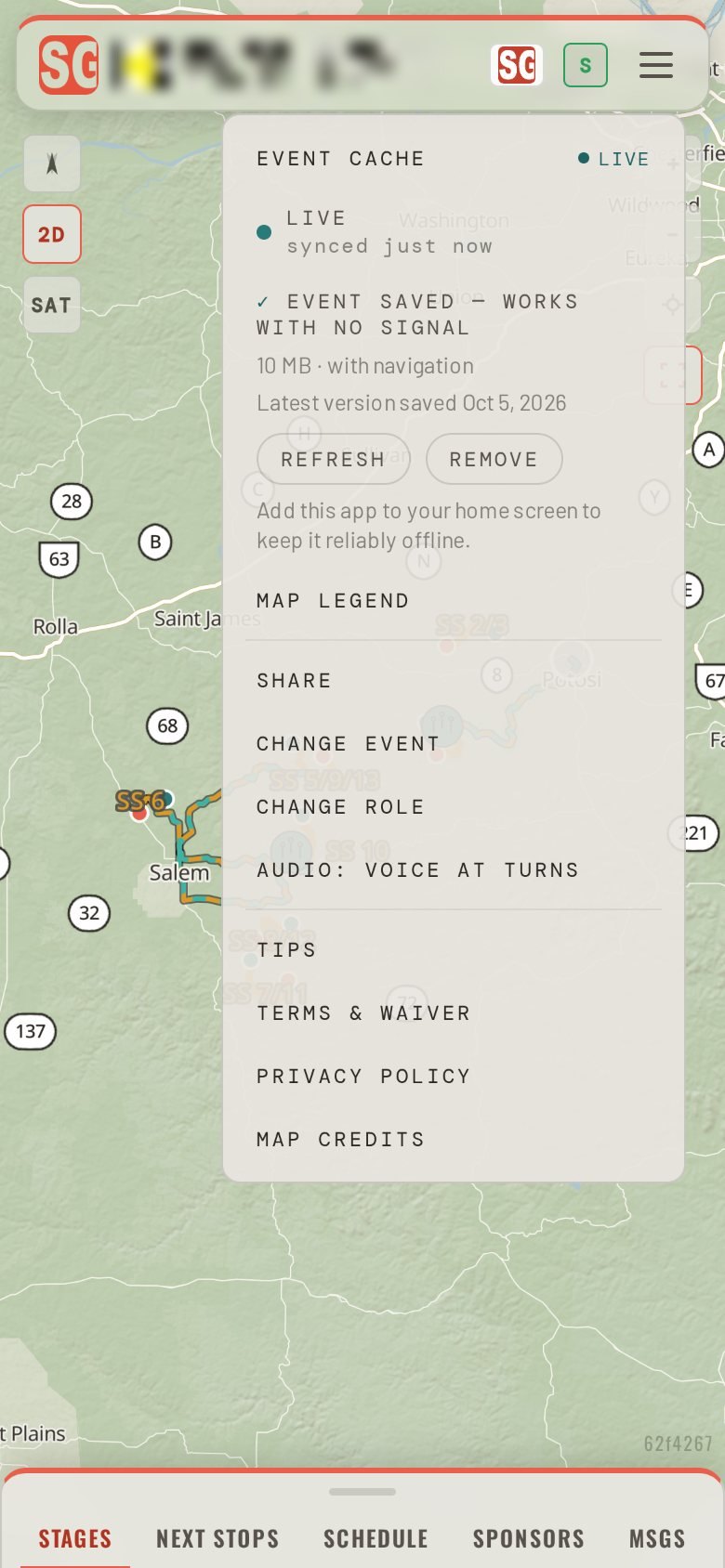
Opening the app at Parc Exposé or the event village caches the full event for the weekend.
The Stage Guides navigation engine runs on the spectator's phone, not on a cloud server. Opening the event link or scanning its QR code saves the event map and the roads around it, so the map and the directions keep working where there is no signal, within the saved area.
Satellite imagery, the 3D view and new notices from the organizer need a connection.
Two kinds of event. Same problem. One field guide.
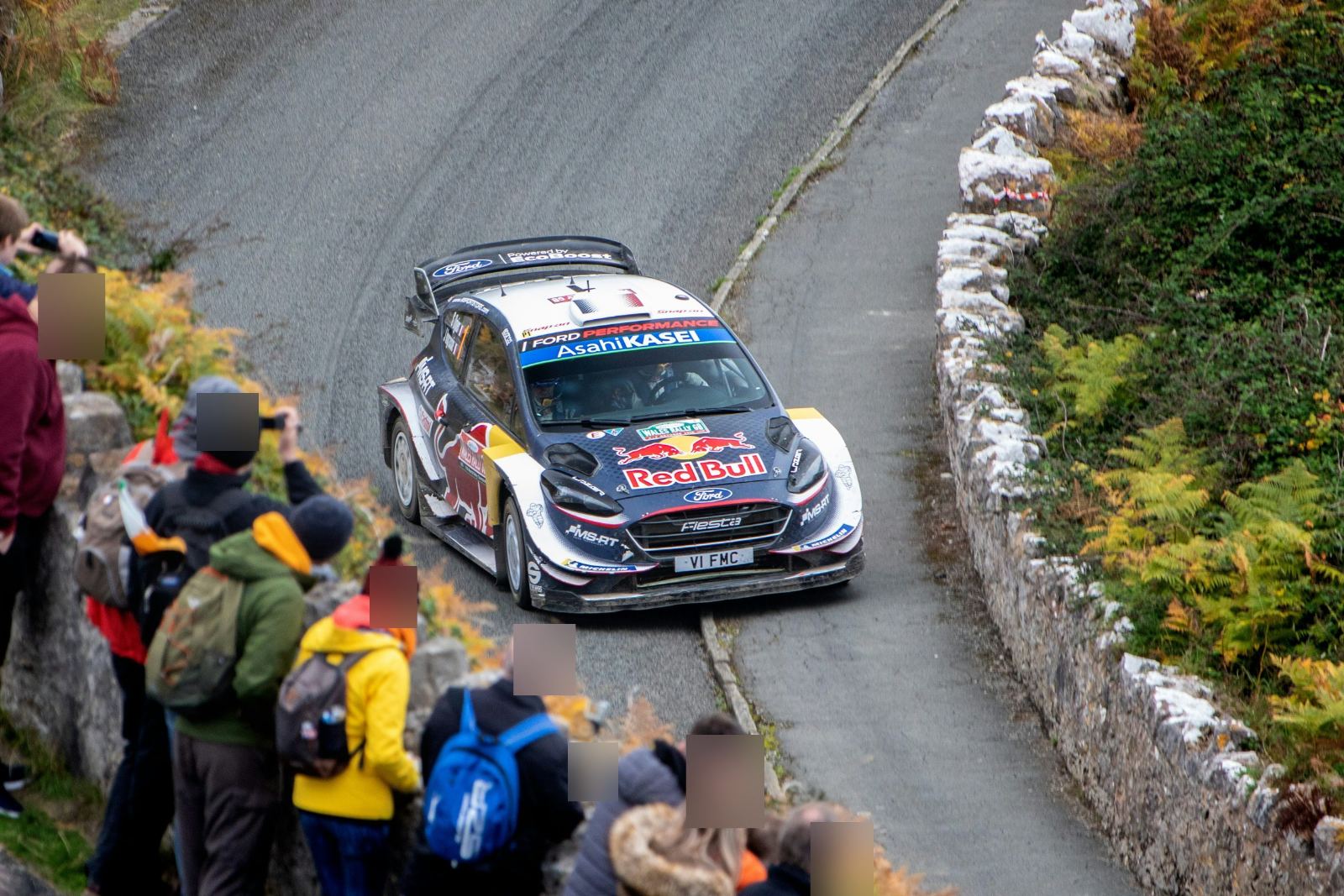
Stages with their first-car times, spectator areas grouped by zone with their parking and the walk in, service, road status, and directions that avoid a stage road on the day it runs.
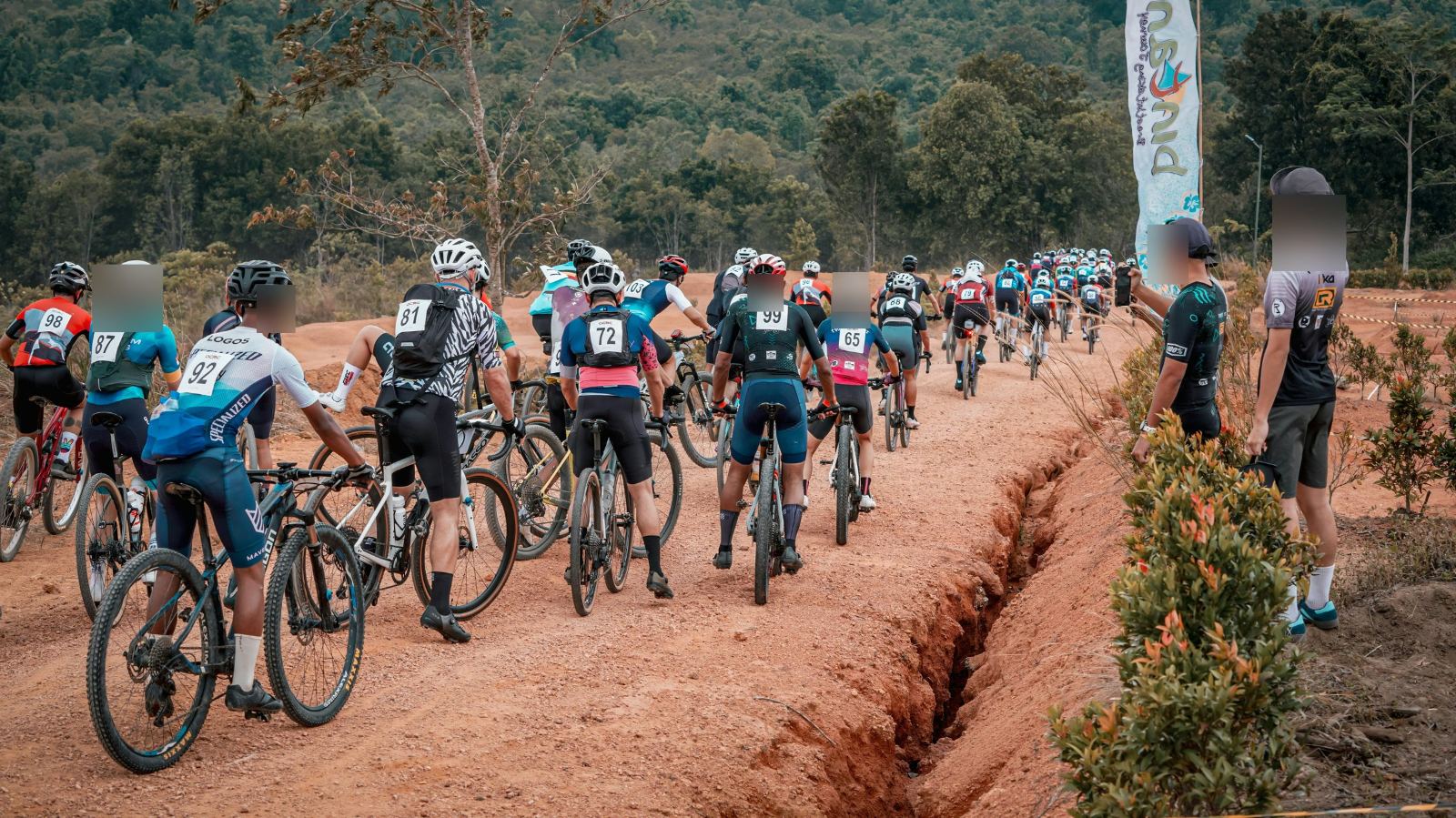
Each course with its start wave and distance, the aid stations, parking and the places to cheer from, with the drive time to each.
You provide the event information. We build the field guide with you.
Share the maps, schedule and spectator information you already have. We set up the guide, map the event, review it with you and publish it, then hand you one link and one QR code for the website, the program and the poster.
Sponsor logos ride in the guide on five surfaces, from the event header to the stage that is running, and after the event you get a report of how often each was seen and how often it was tapped.