
THREE FILES. ONE EVENT.
You already have them: the course KMZ, the itinerary spreadsheet, the sponsor workbook. The portal reads them as they are, tells you what's missing, and one link opens the event for everyone. This page is the detail of what we do with your files, for the person on your team who wants to see it.
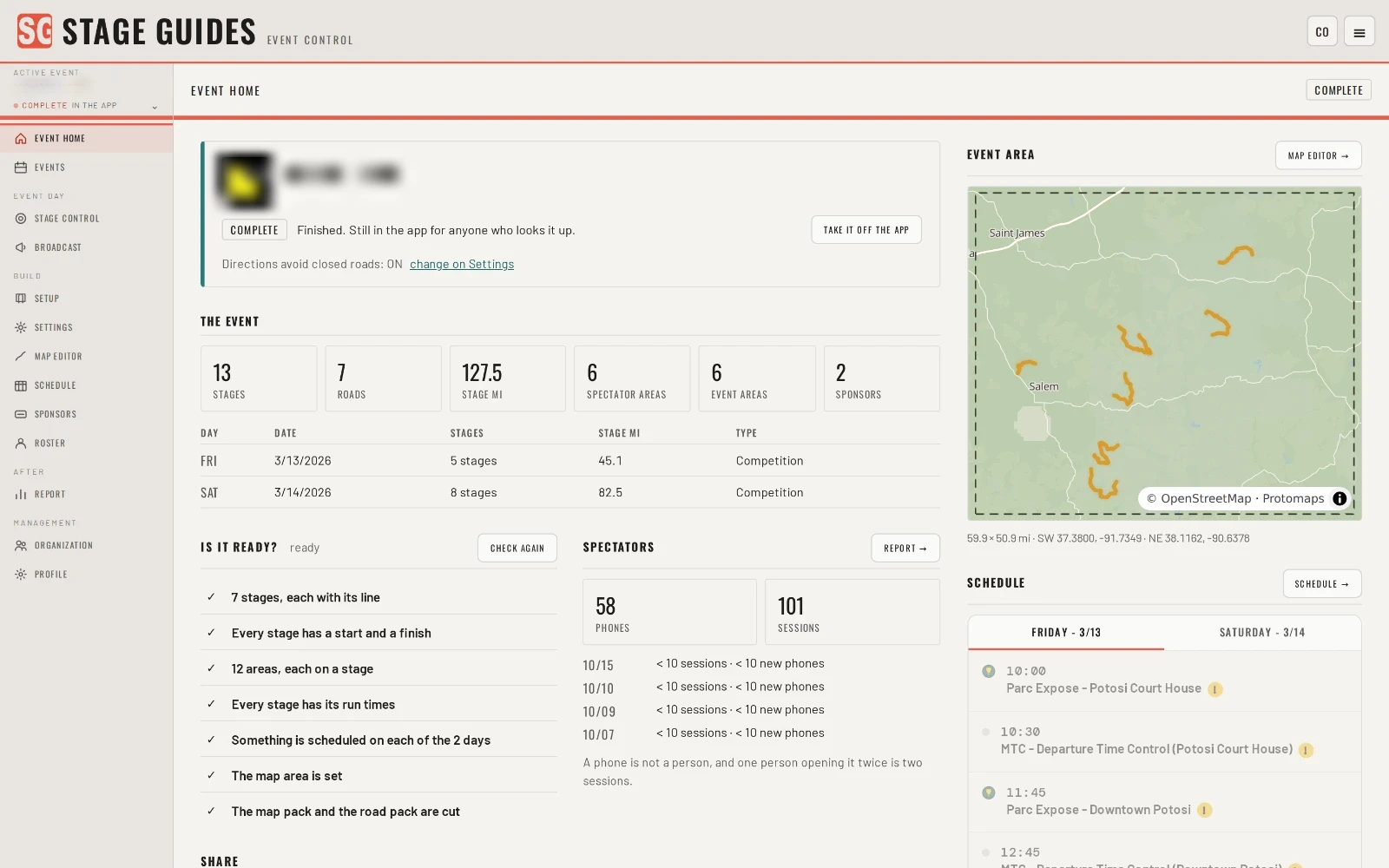
THE COURSE KMZ
Every stage line, every spectator area with its parking and the walk in, every place. The folder a placemark sits in says what it is; its name says which stage.
THE ITINERARY
The public schedule, per day, with first and last car on every run. Staff days stay off the public schedule.
THE SPONSOR WORKBOOK
Every sponsor placement in the app, and the rows the report is counted from.
Below is how each one goes in. Nothing here has to be learned; we do the import, and you review the result.
One sign-in. Your organization, your people.
Invite the people who build the event with you. One sign-in covers every event your organization runs, this year and next.
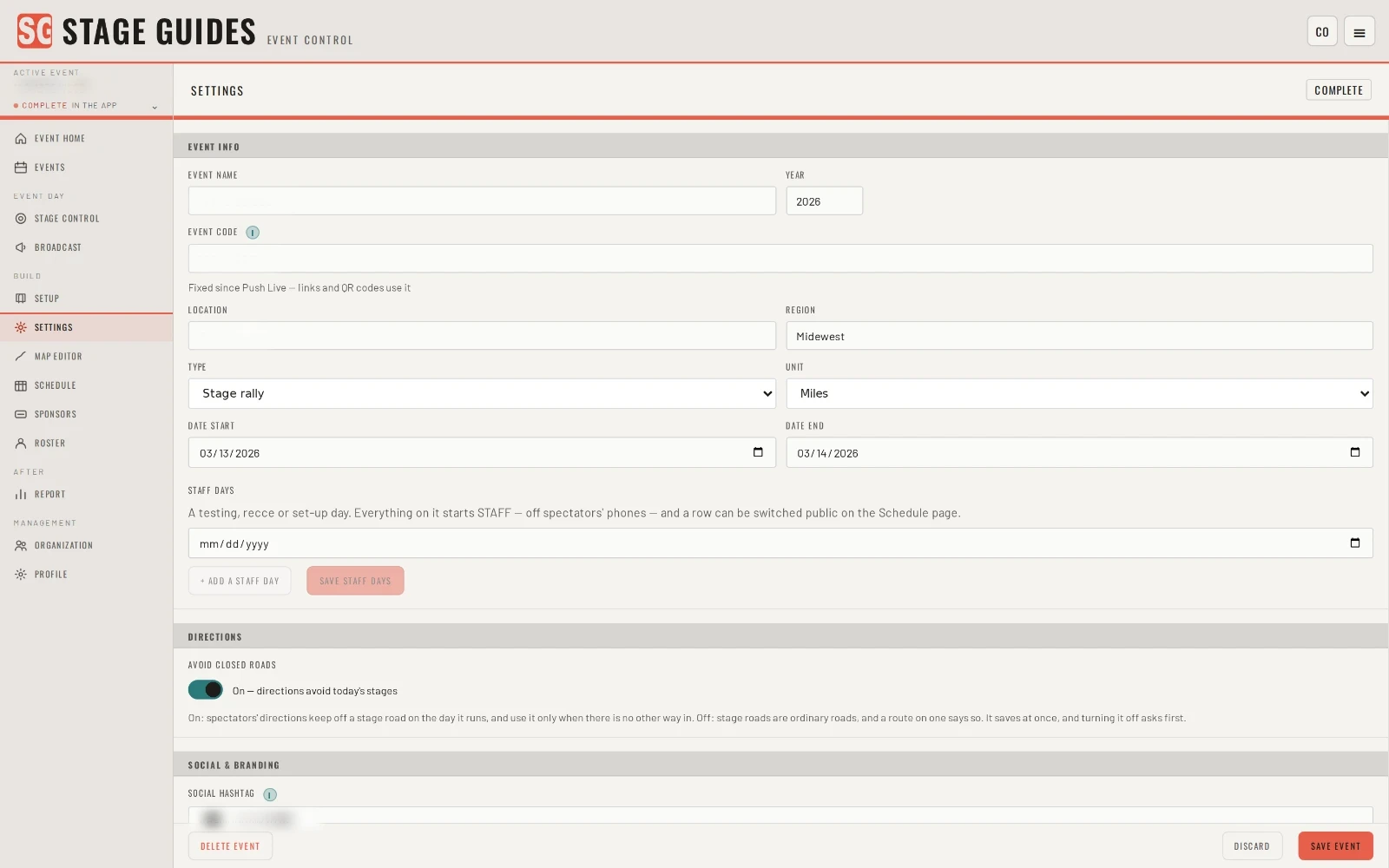
Set the type and the unit.
Stage rally, gravel, trail, circuit: the type sets the words the app uses and whether a course imports open or closed. Miles or kilometres sets every length and marker.
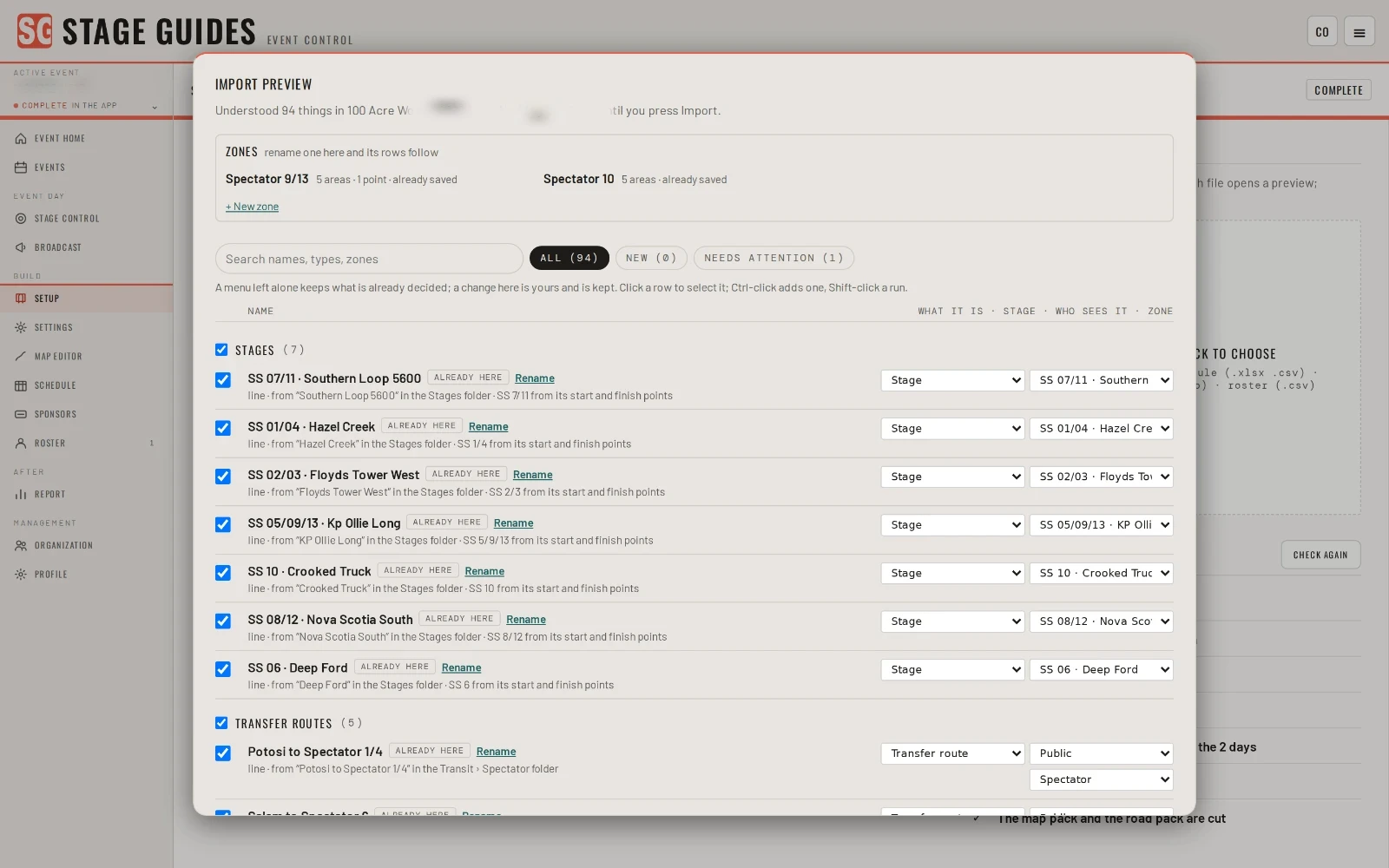
Drop in the KMZ.
Drawn the way you already draw it. Every row shows in the preview before anything is saved. Re-import later and only what changed moves; nothing you edited by hand is overwritten.
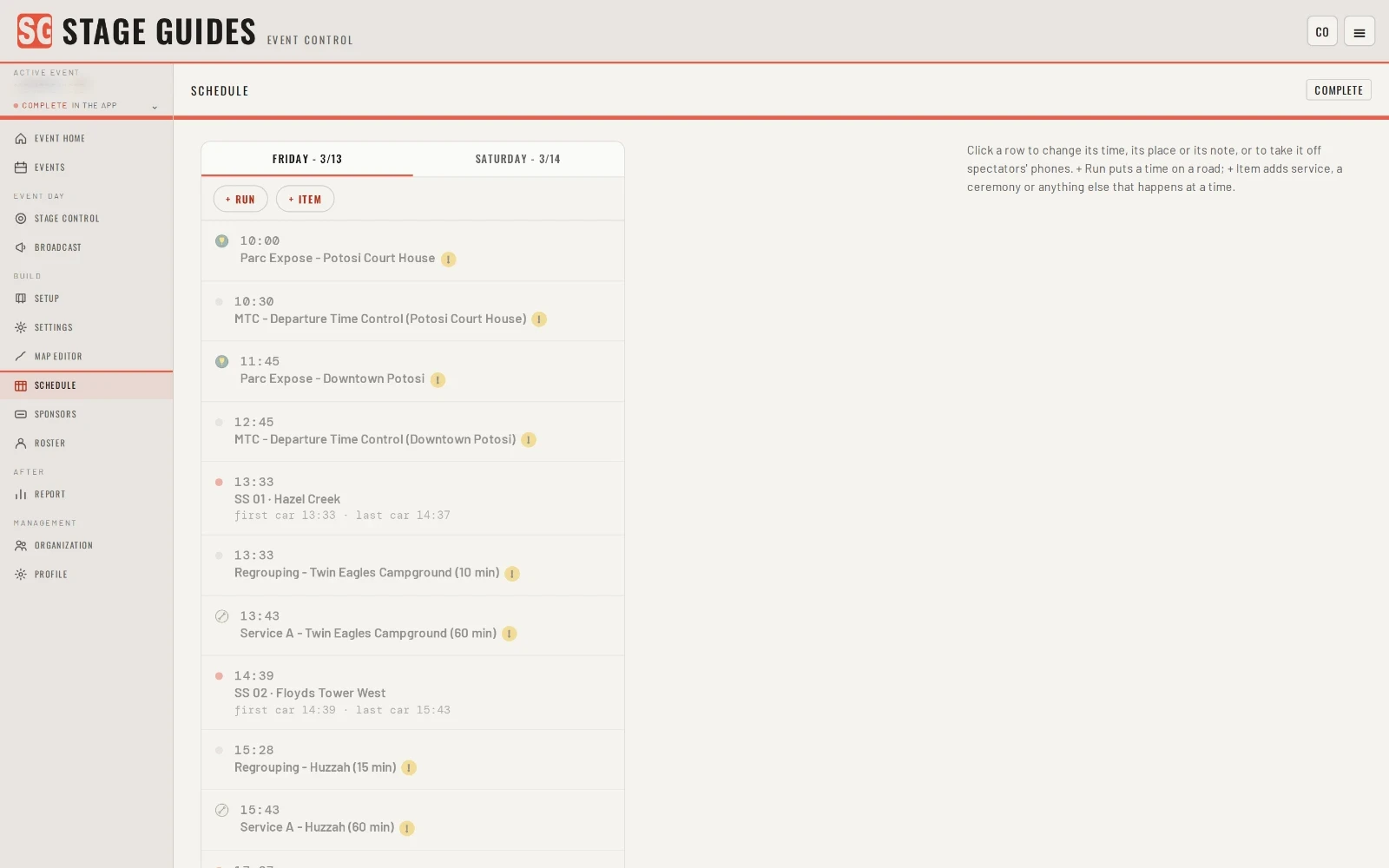
Drop in the schedule and the sponsor workbooks.
One row per run, dates and times as Excel writes them. One row per sponsor placement. A row that can't be read is held back and shown to you; the rest goes in.
Move a pin, fix a line, hide a place.
Everything the import brought in is on the map with its name, its kind, its stage and who may see it. Change it here; nothing is re-imported. Every row is public or staff only: public rows reach the spectator app; staff rows never do.
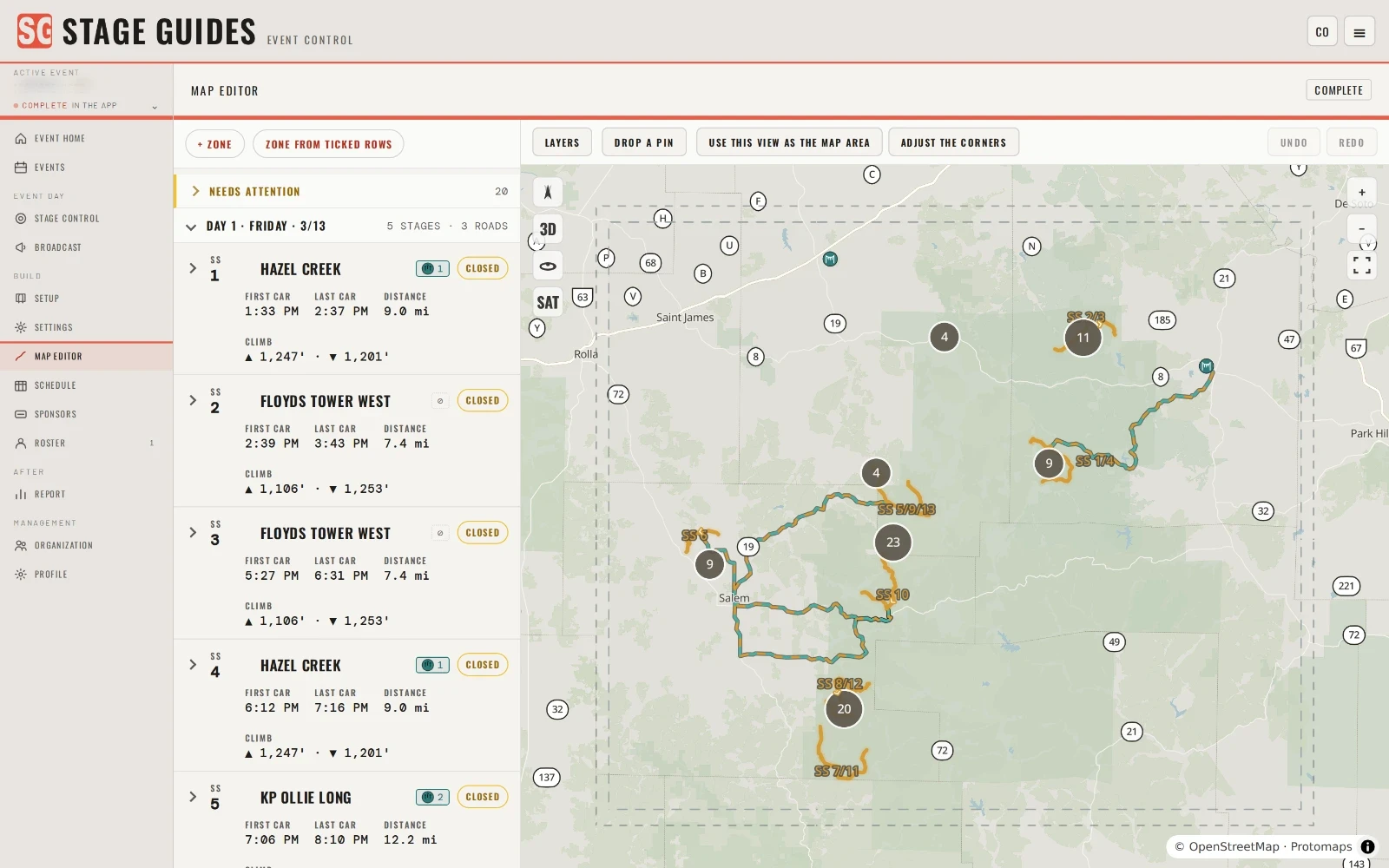
PLACES AND ZONES
Every kind of place and zone with its own symbol. Spectator areas group into zones with their parking and the walk in.
WHO SEES IT
The folder set the default; flip it here. A staff pin can't leak by accident, because the public app never asks for it.
DRAWING
A stage line that didn't come through right is redrawn, not re-imported.
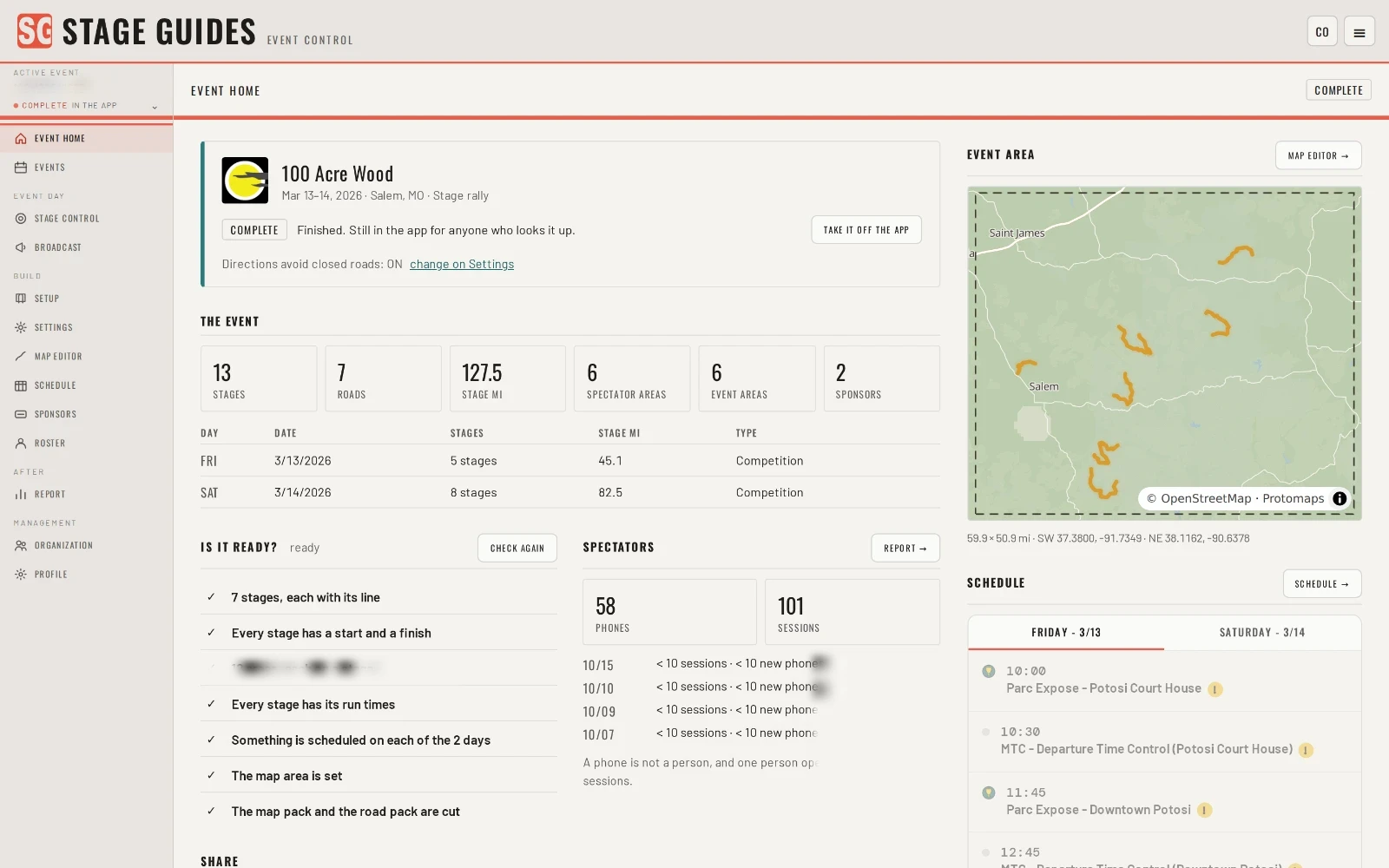
Readiness. Each check names what it found and how to fix it.
Readiness runs before Push Live and lists the event's state in plain sentences. Nothing reaches a phone half-built.
- STAGE LINESEvery stage has its line on the map
- START AND FINISHEvery stage has a start and a finish
- SPECTATOR AREASAt least one spectator area is placed
- RUN TIMESEvery stage has its run times
- THE DAYSSomething is scheduled on each event day
- THE MAP AREAThe map area is set
- OFFLINE PACKSThe map pack and the road pack are cut
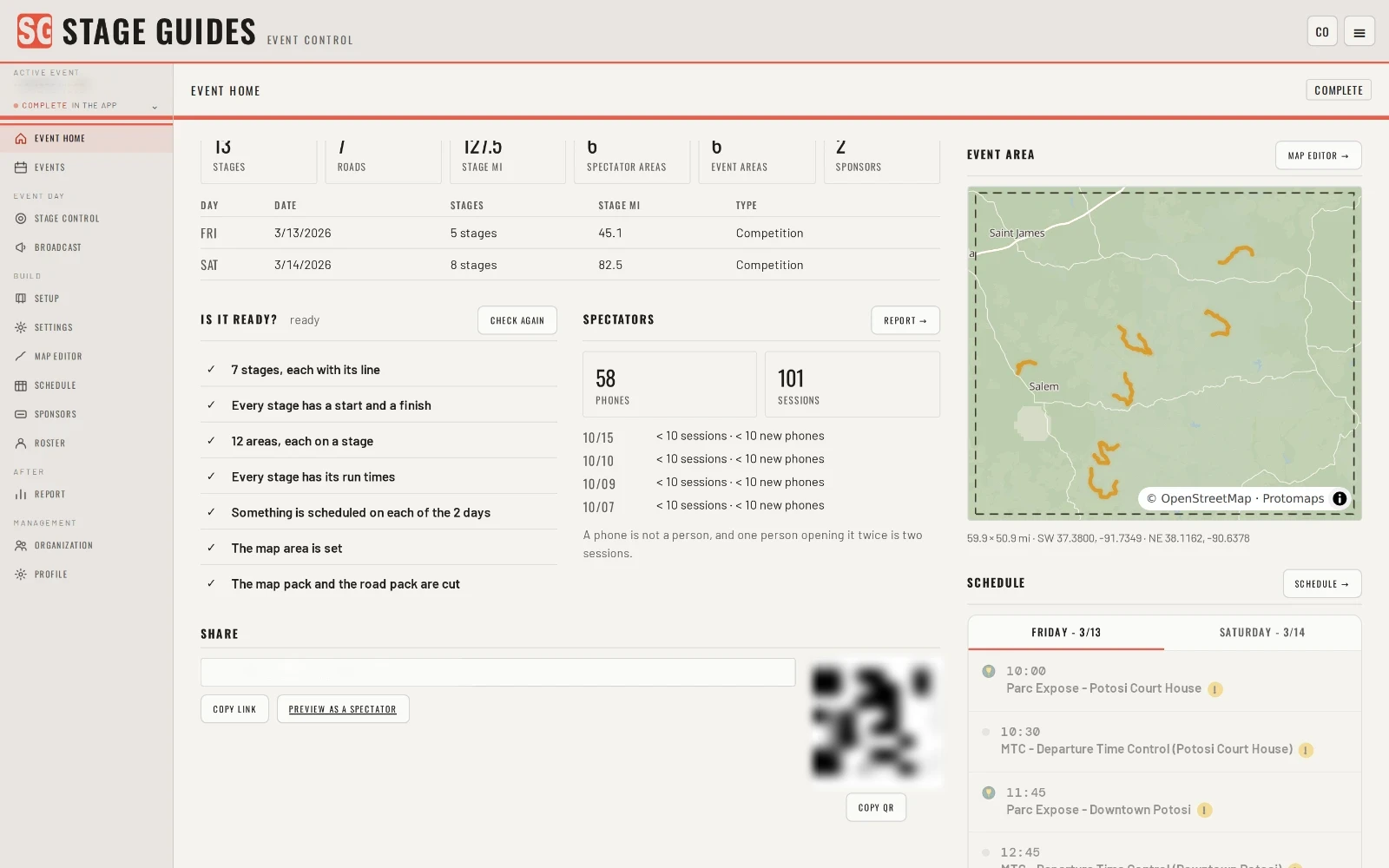
Push Live.
The event joins the public list. One link and one QR code open it; each phone saves the event on first open and works without signal after that. A published event can be taken back to draft, and phones that already saved it keep what they have.
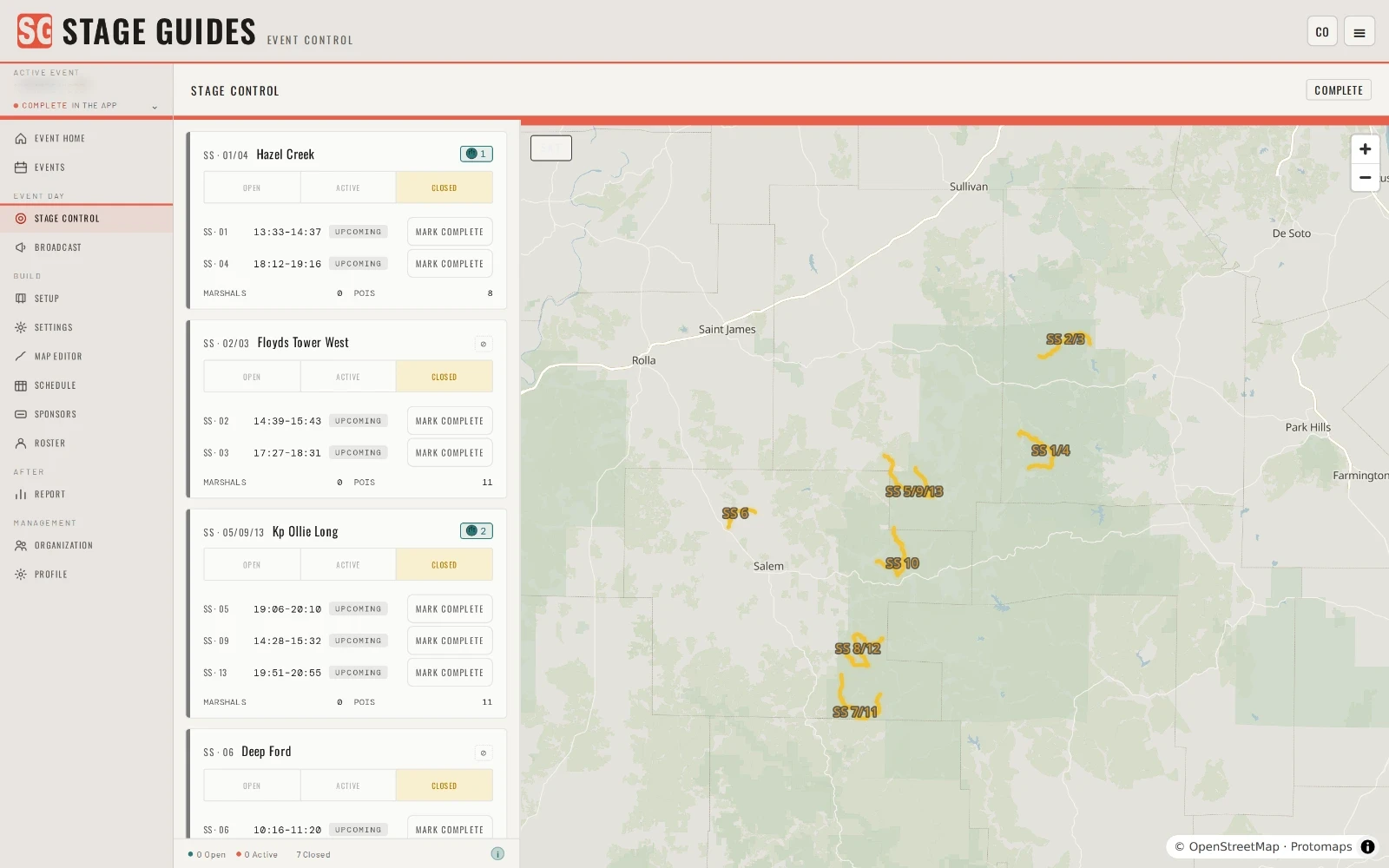
One screen closes a road, sends the alert, posts a notice.
Stage Control sets each stage open, active or closed. Closed means every phone shows it closed and directions stop using that road for the day. The Safety alert sits at the top of every screen until you clear it. Notices carry an end time, so old news clears itself.
The three files, served from the same place the portal uses.
EVENT MAP SCAFFOLDING
The folder tree, empty, each folder saying what goes in it. Open in Google Earth, draw, export as KMZ.
Download →SCHEDULE WORKBOOK
One row per run and per timeline item. The headers it accepts are on its second sheet.
Download →Send your files before the call.
We import them on the call and walk the readiness list with you.